Step 1
Choose what to record
Select a browser tab, an application window or your full screen. This way you can capture both web applications and locally installed software.
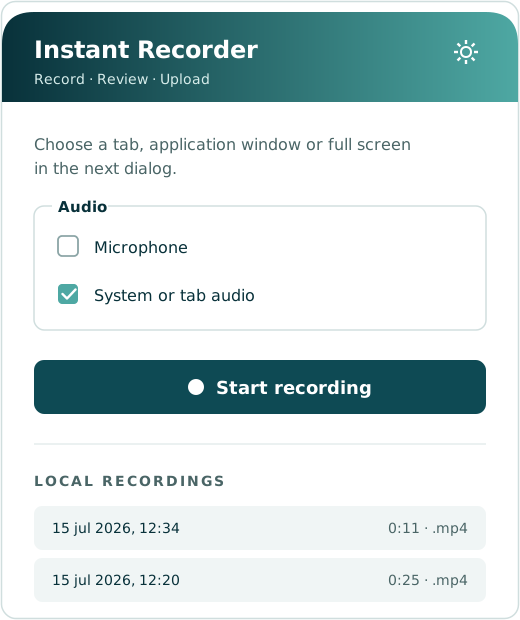
Instant Recorder captures processes performed in a web application, desktop program or other software environment. Record a browser tab, application window or full screen and add spoken explanations while carrying out the process.
After recording, the video is stored locally. Open the Instant Instructions upload page and select the saved video file. The recording can then be processed into a clear, structured and reusable digital work instruction.
Record the process. Explain the work. Create the instruction.
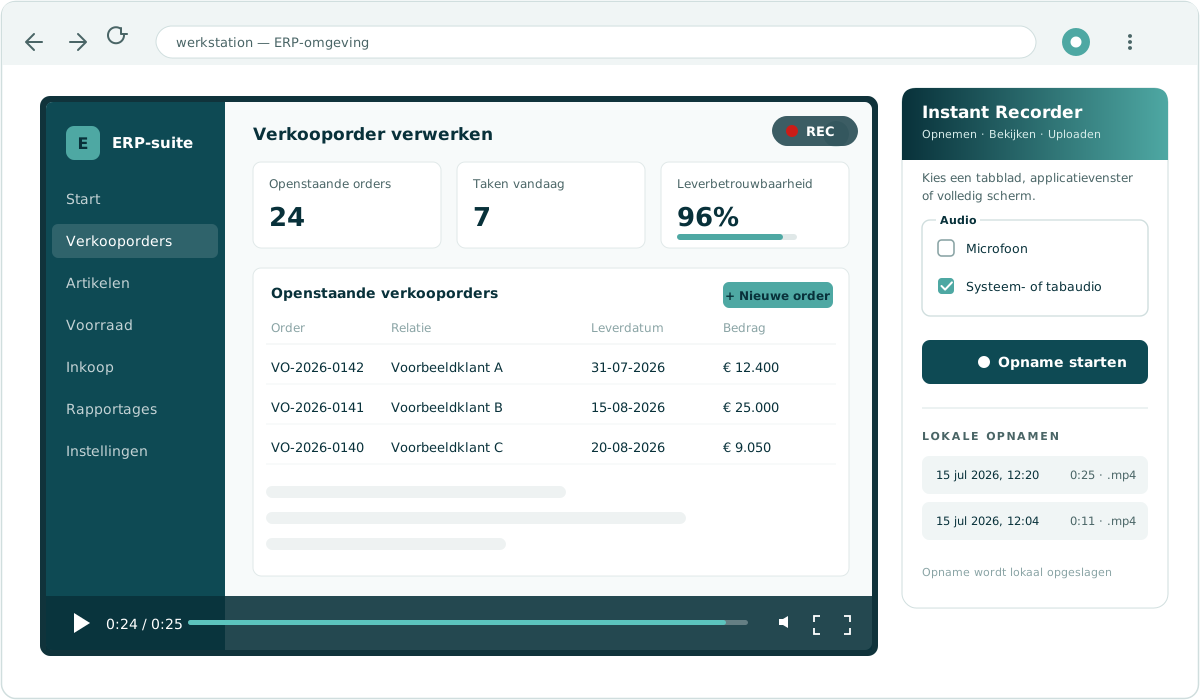
Show once how a process is carried out and explain what you are doing. The recording then forms the basis for a clear digital work instruction.
Select a browser tab, an application window or your full screen. This way you can capture both web applications and locally installed software.
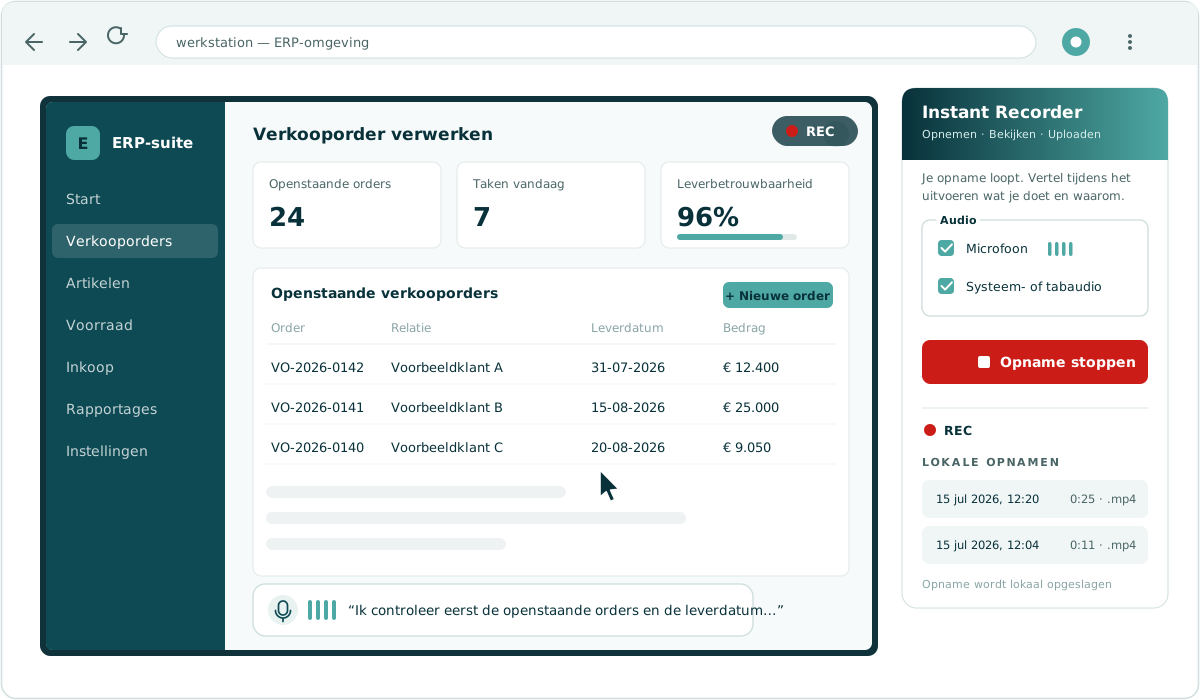
Walk through the process exactly as you would in daily practice and use the microphone to explain what you are doing and why. That way the recording captures not only the actions, but also the choices and points of attention. Where relevant, system or tab audio can also be captured.
Check the video afterwards. The recording is automatically stored locally, so you can review and manage the file first.
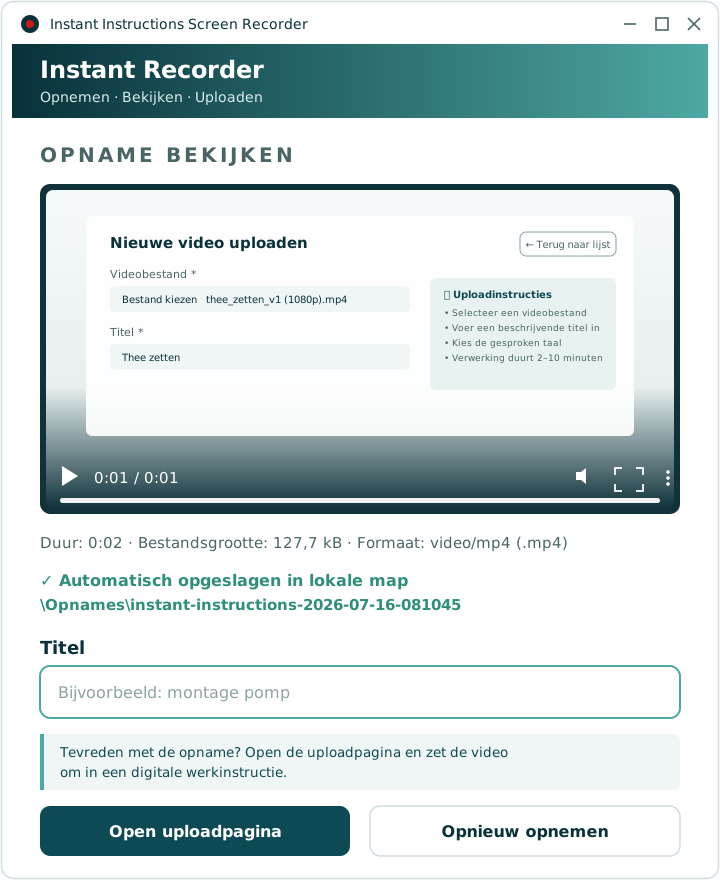
Open the Instant Instructions upload page from the recorder and select the locally saved video file. Instant Instructions then processes the recording into a digital work instruction that can be reviewed, refined and published.
Many important work processes do not only take place on the shop floor, but also behind a computer. With Instant Recorder, this application knowledge can be captured in a structured way as well.
Capture how employees process orders, create items, update master data, post stock movements or generate reports.
Create instructions for onboarding, leave registration, personnel changes, time tracking and other HR processes.
Show how leads are registered, customer data is updated, opportunities are managed and quotations are prepared.
Document processes for invoice handling, bookings, checks, reporting and administrative closings.
Explain how deviations, inspection results, measurements, quality records and production data are processed in systems.
Create work instructions for work orders, service reports, maintenance registration and updating technical data.
Many software processes are still explained verbally or depend on a handful of experienced employees. That makes onboarding new colleagues time-consuming, and important knowledge can get lost.
With Instant Recorder, the process is captured while it is being carried out. Not only the actions on screen, but also the explanation, points of attention and practical knowledge of the employee are included.
With Instant Instructions you do not only capture how work is carried out on the shop floor. With Instant Recorder you can also document processes in ERP, CRM, HR, finance, quality and service applications.
The result is one central environment for capturing, managing, reviewing and sharing operational knowledge.
From an action on the shop floor to a process on the screen: make knowledge visible, reusable and transferable.
Want to know more about the platform behind the recorder? See the platform overview.
Would you like to see how an existing process in your ERP, HR, CRM or other application can be turned into a digital work instruction? During a demonstration we walk you through the complete workflow.
Part of the Instant Instructions platform · joint venture EHV Group × TNO